
TRAKITO™ FIND TAG smart item locator
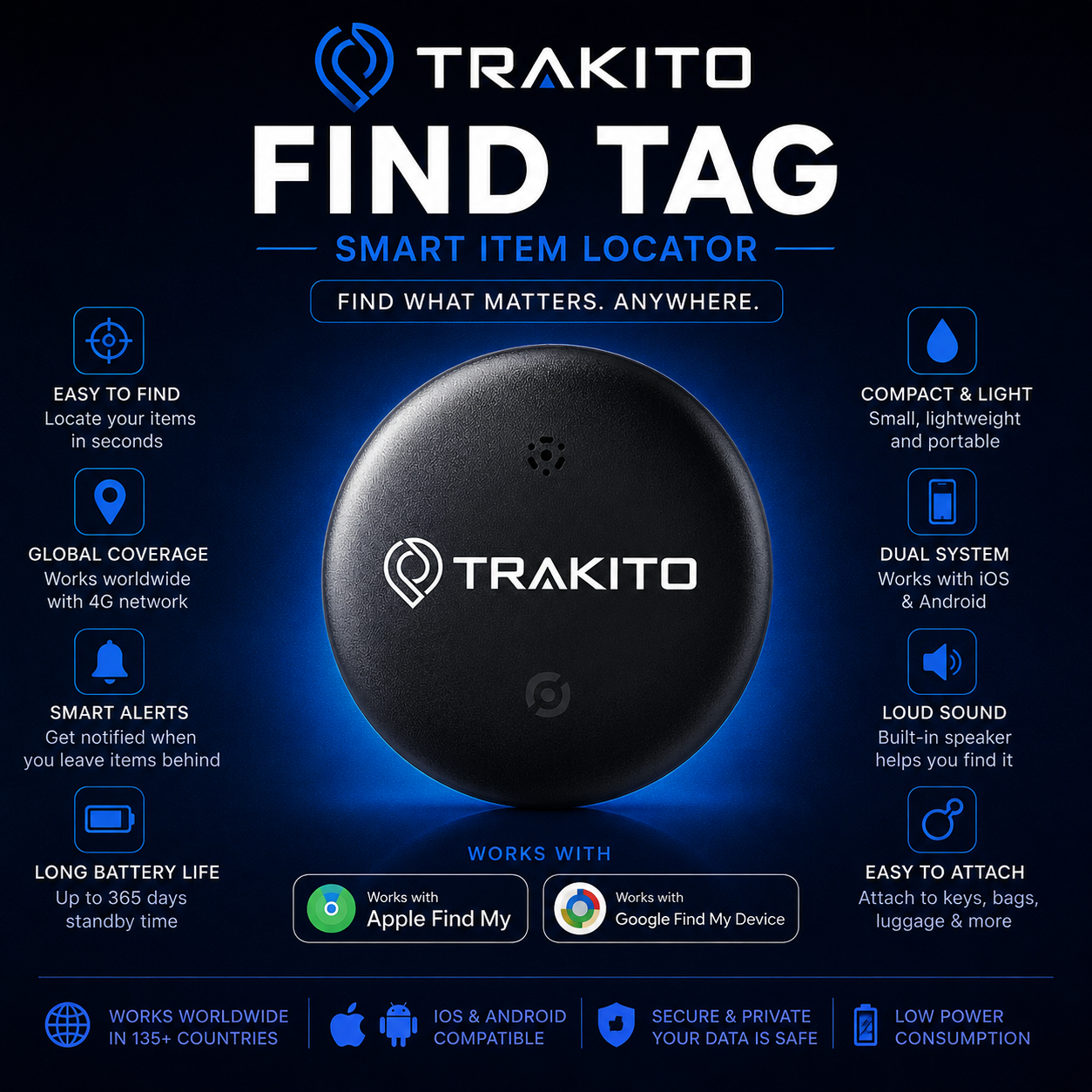

Welcome to Trakito Tag
Keep track of your keys, bag, luggage and everyday essentials with the new Trakito Tag. Fast setup, smart finding, and peace of mind in one compact device.
Setup Instructions
Follow the steps below to activate and start using your Trakito Tag.
Power on the tag
Remove any battery protection tab if present. Make sure the tag is ready for pairing.
Enable Bluetooth
On your smartphone, make sure Bluetooth is turned on before starting the setup process.
Open the supported app
Launch the compatible app on your device and choose the option to add a new tag or accessory.
Complete pairing
Follow the on-screen instructions to name your tag and assign it to your account.
Download the App
Use the supported app for your device to manage your Trakito Tag, view its location, and access smart finding features.
Perfect for Everyday Items
Keep your most important belongings easier to find and manage.
Frequently Asked Questions
How do I start using my Trakito Tag?
Turn on the tag, enable Bluetooth on your phone, open the supported app, and follow the pairing instructions.
What can I attach the tag to?
You can use it for keys, bags, luggage and other personal belongings.
Do I need an app?
Yes, a compatible app is required for pairing, management and finding features.
I scanned the QR code. What should I do next?
Review the setup steps on this page and use the correct app link above to begin activation.
Need Help?
Our team is here to help you set up and get the most out of your Trakito Tag.
No posts found